
Found their photo on a dating profile? How to tell it's them
Found your partner's photo on a dating profile? Check the face, name, age, city and bio to know it's them, and learn what a vetted face match means.
Private & anonymous. We never contact them — your details are never sold, and nothing about them goes to advertisers.
- Author
- CheaterBusting Team
- Editor
- Reviewed by our editorial team
- Updated
- Updated
- Reading time
- 7 min read
In this guide
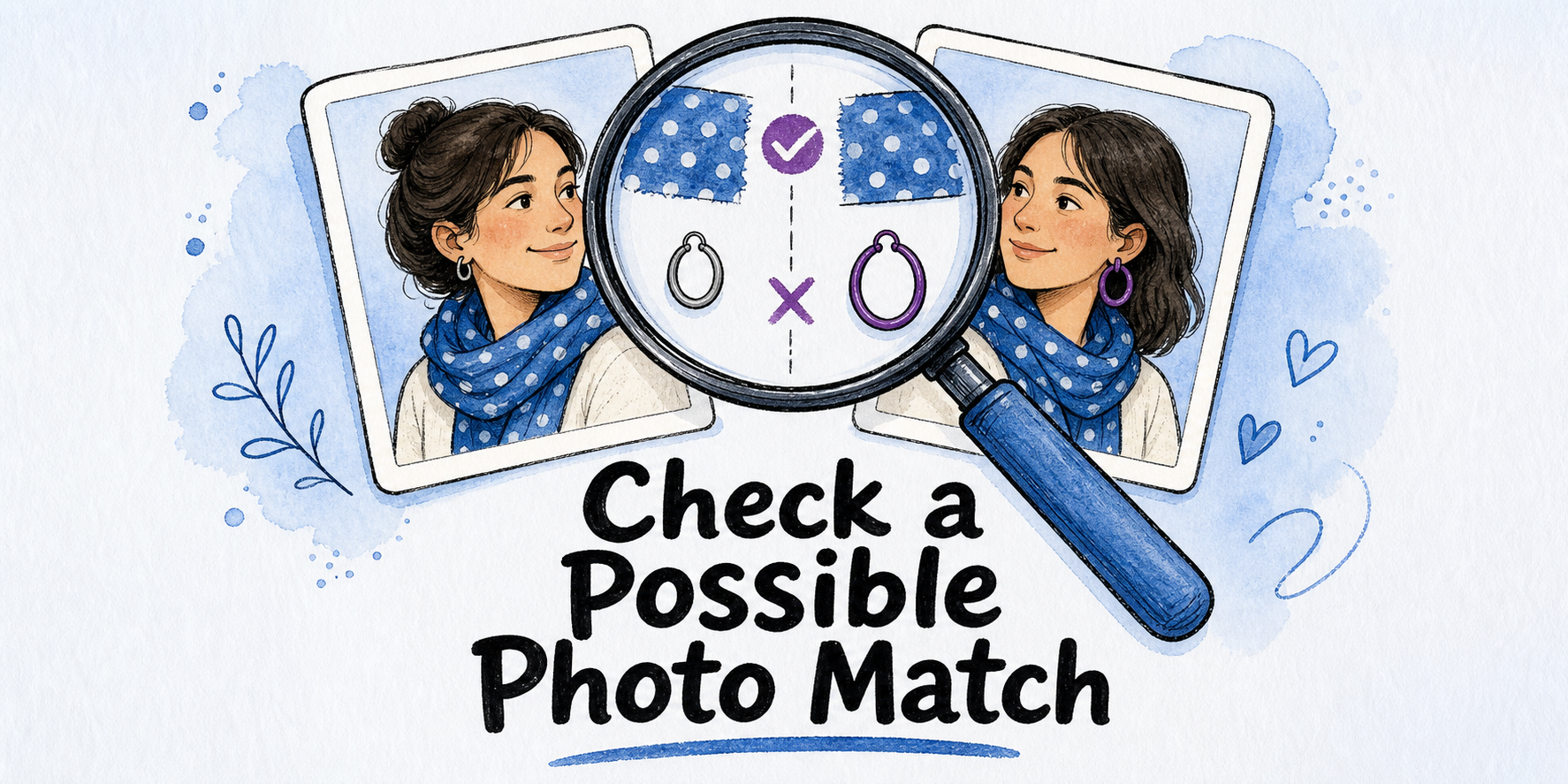
Check the face across every photo, then the name or nickname, age, city, and the bio details only they would know. When the face holds up and the details fit their life, it’s them. That’s the same test our searches run: face matching, then a human check, with name, age, and city to rule out look-alikes. A match that passes it is the person.
A friend sent a screenshot, or a face on Tinder made your stomach drop. Either way, you want a clear way to know. Fear can make you second-guess what you saw, so this guide gives you a calm, step-by-step check you can trust.
What does a face match mean?
A face match is where the check starts. Free face-search tools stop there. NIST’s tests show that face recognition software on its own can pair two different people with similar faces, even with good photos. That’s why those tools hand back pages of similar faces.
Add the details and the picture changes. A face that holds up across several photos, next to a name, age, and city that fit their life, is the person. Our matches add a human check to the software and use name, age, and city to rule out look-alikes, so a match in your report is them. Our post on how accurate dating profile photo matching is explains each step.
What should you check first?
Work through these in order. Write down short, plain notes as you go, such as “rounded glasses in two photos.” Notes keep you steady and give you something exact to say later.
- Compare features that don’t change with styling. Ears, eyebrows, hairline, a scar or birthmark you know about. When these match across photos, you’re looking at them.
- Check the name or nickname. A nickname they use with close friends pins the profile to them. A matching first name backs up the face.
- Check the age. Profile ages can be a year or two off, so an age close to theirs fits.
- Check the city and distance. Dating apps show people who are nearby. Tinder’s Passport™ Mode lets members pick another city, and Hinge only changes location when the member updates it. A different city shows where they set the profile. It doesn’t change whose face is on it.
- Read the bio and prompts. Job, school, pets, hobbies, and the jokes only they would make. A stranger wouldn’t know these.
- Look at every photo. Does the same face hold up across angles and years? Do any pictures show a place you’ve been, a jacket you recognize, or a friend you know? Each one ties the profile to them.
- Note what dates the photos. A haircut, a trip, a pet, a season. These show how recently they updated the profile.
What does each kind of sighting mean?
Details stack up. Each one that fits their life adds to the face, and a few together settle it.
| What you see | What it means | What to do next |
|---|---|---|
| Face matches, and name, age, and city all fit | It’s them | Note the dates on the photos and any activity label |
| Face matches, and a photo shows a place, a pet, or a friend you know | It’s them | Screenshot every photo and write down the date you saw it |
| Face matches, but the city is somewhere else | It’s them. The city shows where they set the profile or where they were swiping | Note the city and the date, then check the other apps |
| A verified badge is on the profile | The member passed a selfie check against these photos, so the person in the photos is the person behind the profile | Look at the photos and labels to see how recently it was used |
| Dark or cropped photos you can’t compare | You don’t have a clear sighting yet | Run a photo search with a clear photo of them |
Tinder, Hinge, and Bumble each describe a photo verification that compares a selfie with the member’s profile photos.
Can a reverse image search help?
It can show where else the same photos appear. If they turn up on your partner’s Instagram or another public page under their name, that ties the profile to them even more.
If you have a screenshot, run it. Our step-by-step guide to reverse image searching a dating profile photo takes you through Google Lens, Bing, and TinEye. These tools search the open web and mix real hits with similar-looking faces, so read their results with that in mind. Dating profiles mostly sit inside the apps, out of their reach. That’s where a dating-app photo search comes in.
How recently was the profile used?
Deleting the app doesn’t delete the account on Tinder, Hinge, or Bumble. The account stays until its owner deletes it. So if their profile still shows, they kept the account, and it’s live.
Activity labels show how recently they used it. Tinder shows a green dot for people online in the last 24 hours, and members can switch it off. Hinge shows an approximate “Active Now” or “Active Today,” which members can also hide. When a label is switched off, the photos and bio do the work. A recent haircut, a new job, or a trip you know the date of shows a recent update.
So a profile with their face and their details is theirs, and the labels and dated photos tell you when they last used it. Our page on how we vet every match explains how a report shows the profile and how recently it was active.
What should you not do?
- Don’t message the profile from a fake account. A setup turns the conversation into one about what you did, and it will feel like a betrayal when it comes out.
- Don’t go into their phone or accounts to compare. It’s wrong, it can be illegal, and the profile already shows you what you need.
- Don’t confront them in the heat of the moment. Save the screenshots and dates first, so the talk stays on what’s on the profile.
- Don’t post the screenshot anywhere. Keep it private. What happens next is between the two of you.
How do you check the other apps, not just the one you saw?
One profile on one app is a small part of the picture. If they have one dating profile, check the other apps too.
To search dating sites by photo, you give a service one clear photo of them and the city where they live or work. CheaterBusting checks that photo against publicly visible profiles on up to 12 dating apps. Face matching plus a human check vets every profile, and name, age, and city rule out look-alikes. So every profile in your report is them, shown with how recently it was active.
Once you know it’s them, what to do when you find your partner on a dating app walks through the next days calmly.
FAQ
How can I tell a dating profile photo is them?
Check the face across several photos, then the name or nickname, age, city, and bio details. When the face holds up and the details fit their life, it’s them. A verified badge adds that the person in the photos is the one behind the profile.
What if the name is different but the face matches?
Members choose the name on their profile, and many use a nickname, a middle name, or an initial. When the face holds up across photos and the age, city, and bio fit, the profile is theirs under the name they picked.
Can I use a screenshot of the profile?
Yes, for a reverse image search and as a reference. Crop out the app’s buttons and keep the original. A screenshot is lower quality than the original picture, so a clear photo of your partner is better for a search. Our post on which photo works best for a dating profile search shows what to pick.
What does finding their profile mean?
It means they have a live dating profile with their face on it, and they kept the account open. The dates on the photos and any activity label show how recently they used it. That’s what you bring to the conversation.
Should I tell my partner what I found?
Yes, once you’ve saved the screenshots and dates and you feel calm. Lead with what you saw and give them room to answer. If you’re worried about how they might react, put your safety first.
A private way to check
If you’d rather not do this one profile at a time, you can start a private search. We never contact them, and the report goes only to you.
Sources
Checked October 2026.
- NIST: Face Recognition Technology Evaluation, Demographic Effects in Face Recognition
- Tinder Help Center: Photo Verification
- Hinge Help Center: What is Selfie Verification?
- Bumble Support: Verifying your photos
- Tinder Help Center: Passport™ Mode
- Hinge Help Center: Location Settings
- Tinder Help Center: Recently Active
- Hinge Help Center: Last Active Status
- Tinder Help Center: Delete your Tinder account
- Hinge Help Center: How do I delete my account?
- Bumble Support: Deleting your account
Your private results
Pick your search. Pay once. Stop wondering.
Every package checks the apps you pick with the same photo, age, and location matching, and ends with clear results delivered by a guaranteed date.
- Photo, name, age, and city matched together
- Every photo and the link to each profile we find
- Every app we checked, listed in your results
- Your results by a guaranteed date, or a full refund
- They’re never contacted. Discreet billing name.
From $119 for 4 apps$239
8 more apps for $50 more · Paid once · results in 7 days, or 1 with Express
Continue reading
Related evidence guides
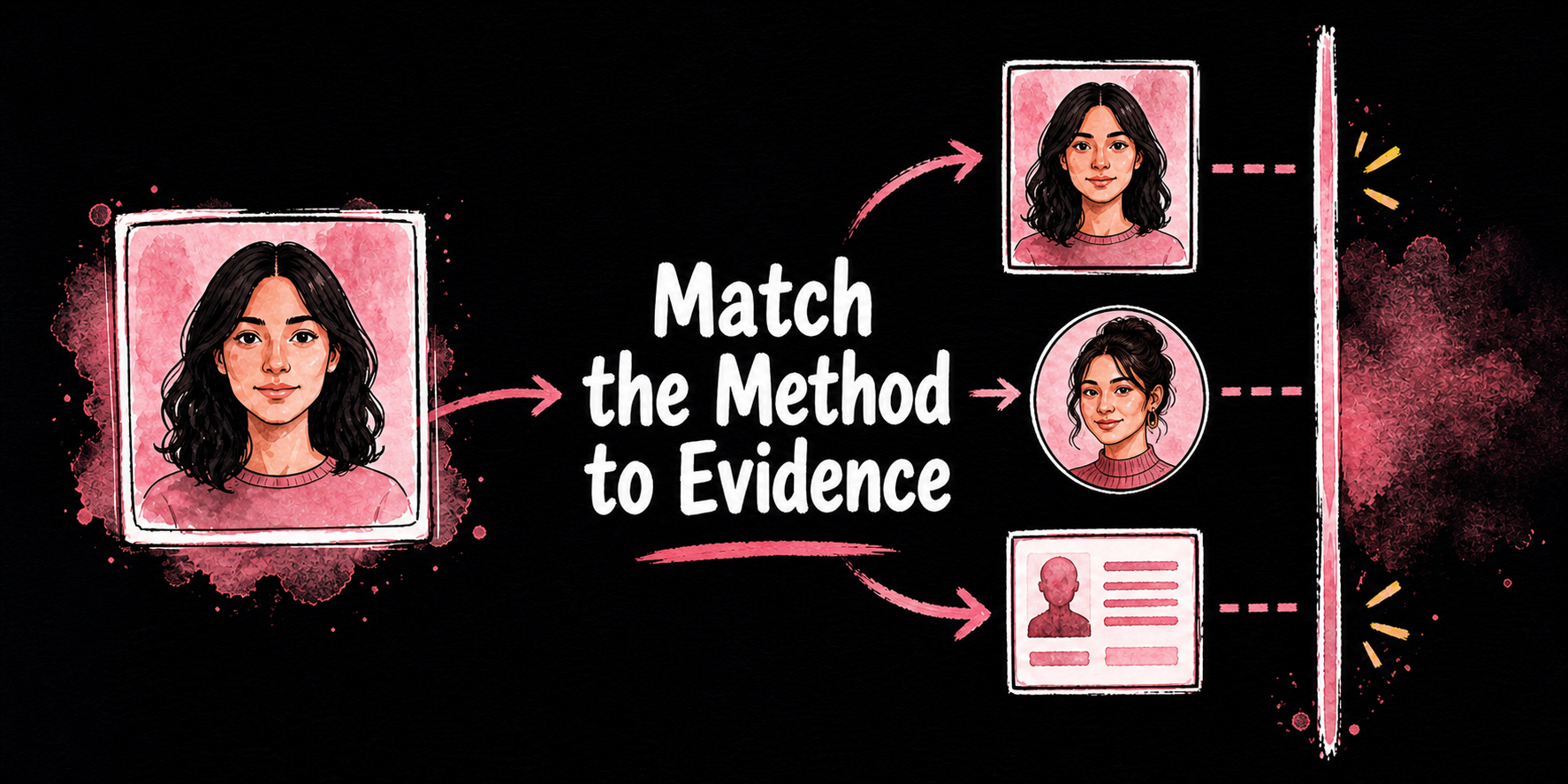
Face search vs reverse image search for dating profiles
Face search vs reverse image search. One finds copies of a picture, the other finds similar faces. See which one reaches a dating profile and finds them.
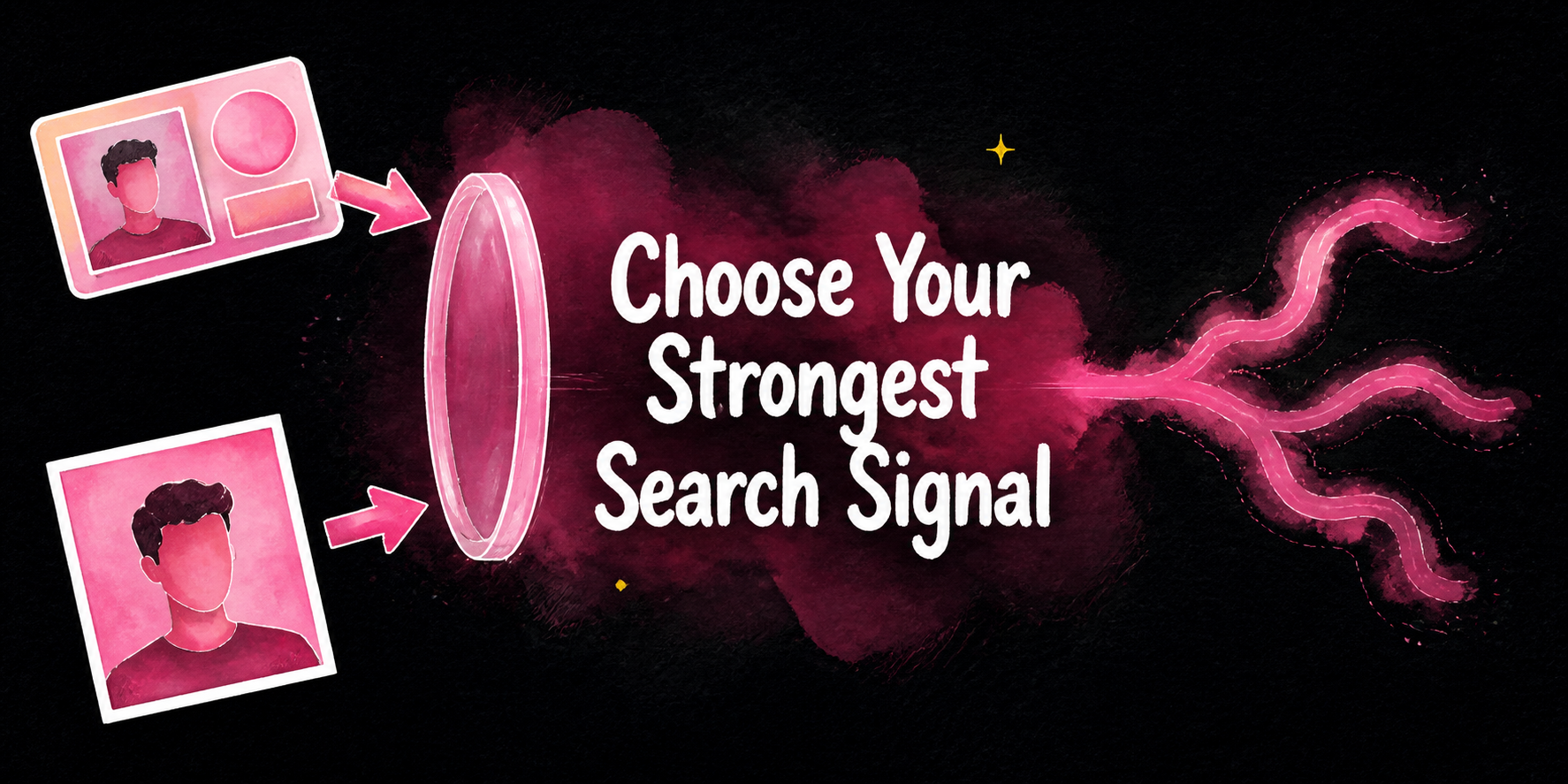
Photo search vs name search: which finds a dating profile?
Photo search vs name search for dating profiles. See why a face finds the profile on Tinder, Bumble and Hinge, and how name, age and city rule out look-alikes.
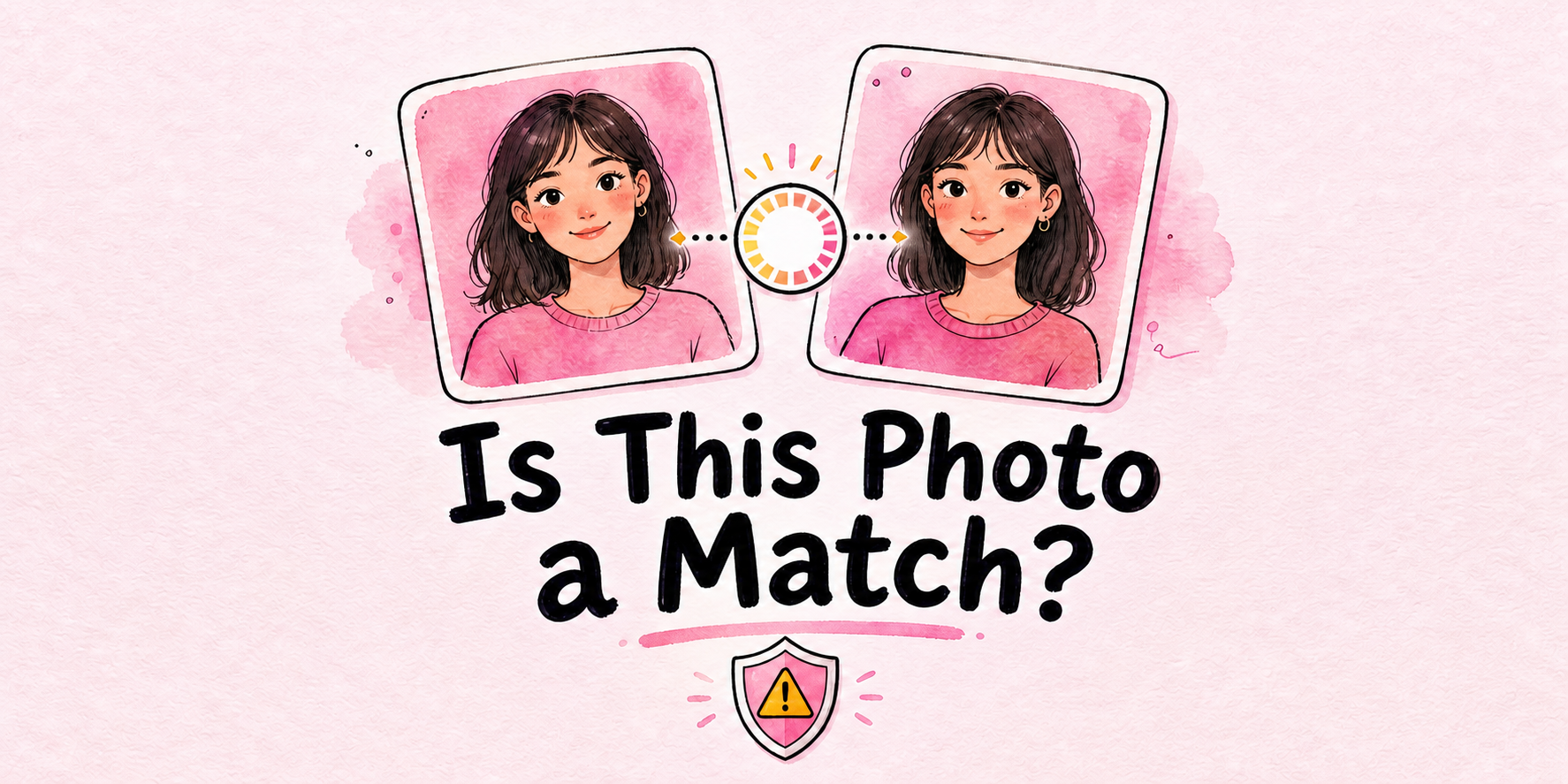
How accurate is dating profile photo matching?
How accurate is dating profile photo matching? Free tools return strangers with similar faces. See how face matching plus a human check makes a match in your report the person.

Before you say anything to them,
have it in writing.
Two minutes. One payment. Private results by a guaranteed date, and we never contact them.
Private & anonymous. We never contact them — your details are never sold, and nothing about them goes to advertisers.