
Face search vs reverse image search for dating profiles
Face search vs reverse image search. One finds copies of a picture, the other finds similar faces. See which one reaches a dating profile and finds them.
Private & anonymous. We never contact them — your details are never sold, and nothing about them goes to advertisers.
- Author
- CheaterBusting Team
- Editor
- Reviewed by our editorial team
- Updated
- Updated
- Reading time
- 8 min read
In this guide
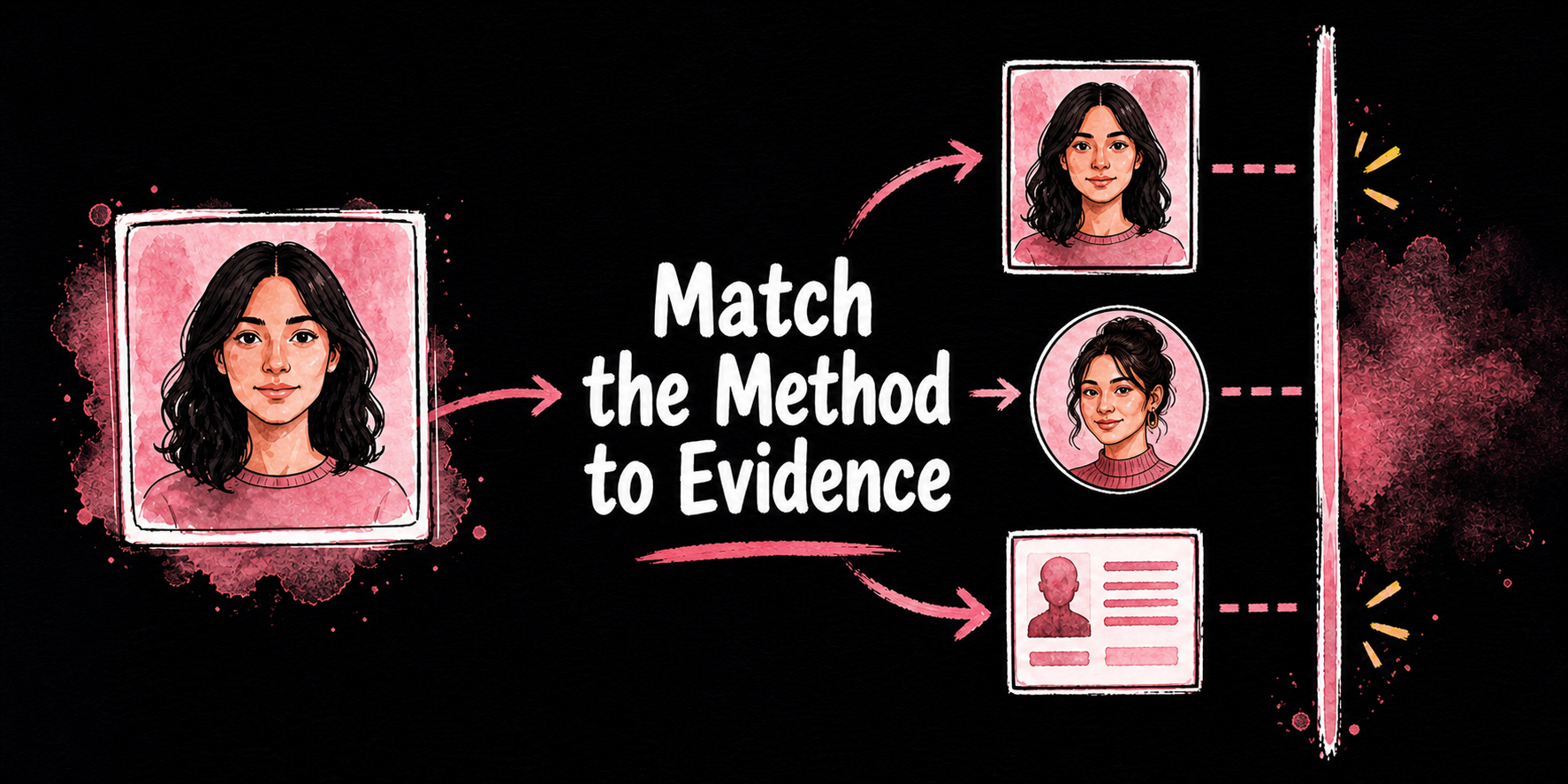
A reverse image search finds other places on the web where the same picture appears. A face search looks for faces similar to the one you upload, so a different photo of the same person can come up. Neither one is built to look inside a dating app on its own. To find a dating profile, you need a search that checks the apps themselves.
You have a photo of someone and a knot in your stomach. Before you spend money or time, it helps to know what each kind of photo search does. They sound alike. They answer very different questions.
What does a reverse image search actually do?
It looks for copies. You give Google Lens, Bing, or TinEye one picture, and it shows you pages that contain that picture or one very close to it.
TinEye says it finds matches that have been cropped, edited, or resized. It also says it doesn’t commonly return merely similar images and that it can’t find different images featuring the same people.
Google Lens works a little more loosely. Google’s help page says results can include similar images and websites that have the image or a similar one. Google also says it doesn’t use biometric facial recognition with Lens, though it may show results for well-known public figures. So Lens is not a way to look up a private person by their face.
That makes reverse image search very good at one job. It tells you where a particular photo has been posted.
What does a face search do differently?
A face search compares the face in your photo with faces in other photos. The picture doesn’t have to be the same file. A different photo of the same person, taken somewhere else, can still come up.
That sounds like exactly what you want. The catch with open-web face search tools is that faces look alike, and a face score alone lets strangers with a similar face through. NIST, the U.S. government’s standards lab, tested face recognition software in 2019 and found that error rates were often 10 to 100 times higher for some groups of people than for others, depending on the software. NIST’s demographics page notes this can happen even with high-quality photos.
That’s why a face score never decides a match on its own in our search. A person checks every profile, and the name, age, and city you give rule out look-alikes. What comes through that is the person.
Which one can find a dating profile?
Here is how the three approaches compare when the thing you’re looking for is a profile on a dating app.
| Reverse image search | Face search on the open web | Face matching inside dating apps | |
|---|---|---|---|
| Question it answers | Where else does this exact picture appear? | Which photos online show a face like this one? | Which profile on these apps is this person’s? |
| Finds a different photo of the same person? | No. TinEye says it can’t. | Sometimes, and it can return strangers with a similar face | Yes. It compares faces, not files. |
| Looks inside dating apps? | No. Google only indexes pages open to the public. | Only if the tool names the apps it checks. Ask which. | Yes, on the apps you pick. CheaterBusting names 12. |
| What a hit means | The picture is posted on that page | A face there looks similar to yours | It’s their profile, matched by face, checked by a person, with the name, age, and city you gave |
| Typical cost | Free | Varies by tool | $119 to $229, paid once |
| Best for | Seeing where a photo is posted, or vetting a new match’s pictures | Curiosity about where a face shows up online | Checking whether someone is on the dating apps |
A match in the last column is the person. Face matching plus a human check vets every profile, and name, age, and city rule out look-alikes. The report shows the profile and how recently it was active. Our page on how we vet each match walks through the checks.
When is reverse image search the better choice?
Start here if you’re vetting someone new you met online. Romance scammers lift photos from real people. The FTC tells anyone chatting with a new love interest to run a reverse image search on the profile picture and check whether it’s tied to another name or to details that don’t match.
It’s also a quick first look at where your partner’s own photos are posted in public. If one turns up on a dating page, open it and check the name, age, and city.
It’s free and takes about ten minutes. Our guide to reverse image searching a dating profile photo walks through Google Lens, Bing, and TinEye one click at a time.
When do you need face matching inside the apps?
Switch when your real question is “Is my partner on Tinder, Bumble, or Hinge?” Dating apps keep profiles inside the app. Tinder’s help center says you can’t search for a specific person, and Hinge says it doesn’t offer a search option for specific people. Google says it only indexes pages that are open to the public and won’t crawl a page that needs a log-in.
Put those together and you can see how a reverse image search of your partner’s photo ends up showing their Instagram and a work bio, with nothing from a dating app. The tool never looked inside the apps, so that empty result says nothing about Tinder or Hinge.
If you want to search dating sites by photo, you need a service that checks the apps near the city where they live. That is what CheaterBusting does. It compares your photo with publicly visible profiles on up to 12 apps, then checks the name, age, and city against each profile the photo turns up.
How do you know a face match is them?
On the open web, a face search only tells you a face looks very similar. Strangers with a similar face come up, and the tool can’t tell them apart from the person you’re checking. That’s the gap our search closes. A person reviews every face match, and the name, age, and city have to fit. A profile that passes those checks is their profile.
If you’re checking a profile yourself, look for a clear face across several photos, an age and city that fit, and a detail only they would share. When those line up, it’s them. Our post on how accurate dating profile photo matching is explains what makes a match solid. If you already have a profile in front of you, how to check a profile photo you’ve found gives you a checklist.
What order should you try things in?
- Run the photo through Google Lens and TinEye. It’s free, and it shows where the photo is posted publicly.
- Open the pages it returns. Don’t judge from thumbnails.
- If nothing points to a dating app, run a search that checks inside the apps. Use one clear, recent photo and add the city.
- Check what lines up. A clear face plus a name, age, and city that fit means it’s them.
- If everything comes back empty, read why a dating profile photo search finds nothing before you try again.
If you’re still working out whether your partner is cheating at all, our guide on how to catch a cheater on dating apps puts every method in one place.
FAQ
Can Google Lens find someone by their face?
Google says it doesn’t use biometric facial recognition with Lens, though it may show results for well-known public figures. Lens finds pages with the same or a similar image. It isn’t a way to look a person up by face.
Does TinEye find different photos of the same person?
No. TinEye says it cannot find different images featuring the same people. It finds copies of the image you give it, including cropped, edited, and resized versions.
Is a face search more accurate than a reverse image search?
They answer different questions. A reverse image hit means the same picture is on that page. An open-web face search hit means a face looks similar, and those tools return strangers with similar faces. Our search adds a human check plus name, age, and city to rule out look-alikes, so a match in your report is the person.
Can a face search find a profile that was deleted or hidden?
No. We only check profiles that are publicly visible on each app when we search, so a deleted account, or one hidden from new people, won’t show up.
Should I use both kinds of search?
It doesn’t hurt. A free reverse image search shows where a photo is posted in minutes. If your real question is whether they’re on dating apps, only a search that checks inside those apps can answer it.
Want the apps checked, not just the web?
If the free searches come back empty and the worry stays, you can start a private search with one clear photo and the city they live or work in. We check up to 12 dating apps, we never contact them, and your report shows every profile we find and how recently it was active.
Sources
Checked October 2026.
- Google Search Help: Search with an image on Google
- Google Search Central: Google Search technical requirements
- YouTube Help: Use Google Lens while watching a YouTube Short (Lens and facial recognition)
- TinEye Help: Can TinEye find similar images? Does TinEye do facial recognition?
- TinEye Help: How does TinEye work?
- Tinder Help Center: Can I search for a specific person on Tinder?
- Hinge Help Center: Discover Feed
- NIST: NIST Study Evaluates Effects of Race, Age, Sex on Face Recognition Software
- NIST: Face Recognition Technology Evaluation, Demographic Effects in Face Recognition
- FTC Consumer Advice: What you need to know about romance scams
Your private results
Pick your search. Pay once. Stop wondering.
Every package checks the apps you pick with the same photo, age, and location matching, and ends with clear results delivered by a guaranteed date.
- Photo, name, age, and city matched together
- Every photo and the link to each profile we find
- Every app we checked, listed in your results
- Your results by a guaranteed date, or a full refund
- They’re never contacted. Discreet billing name.
From $119 for 4 apps$239
8 more apps for $50 more · Paid once · results in 7 days, or 1 with Express
Continue reading
Related evidence guides
Photo search vs name search: which finds a dating profile?
Photo search vs name search for dating profiles. See why a face finds the profile on Tinder, Bumble and Hinge, and how name, age and city rule out look-alikes.
How accurate is dating profile photo matching?
How accurate is dating profile photo matching? Free tools return strangers with similar faces. See how face matching plus a human check makes a match in your report the person.

Is a dating profile photo search private and safe?
Is a dating profile photo search private and safe? Learn what happens to the photo you upload, who finds out, and the red flags that mean walk away.

Before you say anything to them,
have it in writing.
Two minutes. One payment. Private results by a guaranteed date, and we never contact them.
Private & anonymous. We never contact them — your details are never sold, and nothing about them goes to advertisers.